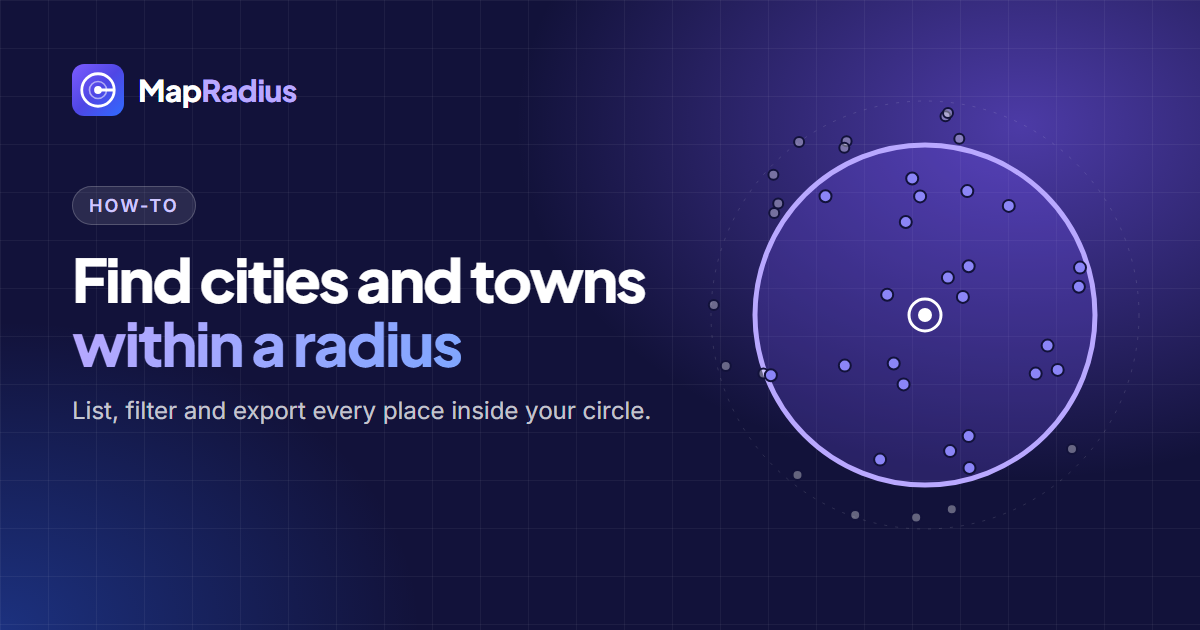
To find cities and towns within a radius, draw a circle around your address in the Map Radius Tool and read the Areas inside the circle list under the map. The list shows every named place inside the radius, sorted by distance from the centre.
Step by step
- Search the centre. Type a city, address or postcode, or click the map.
- Set the distance. Type a value or pick a preset: 500 m, 1 km, 5 km, 10 mi or 50 km. Switch between miles, kilometers, meters, feet and nautical miles at any time.
- Open the list. The Areas inside the circle box fills in a few seconds. Each row shows the place name, its type (city, town, suburb, neighbourhood or village), its distance and its direction from the centre.
- Filter and sort. Use the type filters, search the list by name, or sort by nearest, farthest or A–Z.
- Export. Download the list as a CSV for Excel or Google Sheets, or export the whole map as KML or GeoJSON. The FAQ explains what each file holds.
What the list includes
The tool lists named places, not ZIP codes. The size of the circle decides how detailed the list is:
| Radius | Places listed |
|---|---|
| Up to 8 km (5 mi) | Every named place, down to hamlets |
| 8 to 30 km (5 to 19 mi) | Cities, towns, suburbs, boroughs, quarters, neighbourhoods and villages |
| 30 to 100 km (19 to 62 mi) | Cities, towns, suburbs, boroughs and villages |
| 100 to 250 km (62 to 155 mi) | Cities and towns |
| 250 to 500 km (155 to 311 mi) | Cities only |
Circles larger than 500 km (311 mi) in radius don’t show an area list. Make the radius smaller to see one. With Google Places active, circles over 25 km (16 mi) list cities and towns only.
Where the place data comes from
When Google Places is active, the names match Google exactly, which helps when you choose Google Business Profile service areas. Otherwise the list comes from OpenStreetMap, the free, community-built map of the world. Both sources list places by their centre point, so a large town whose centre sits just outside the circle won’t appear even if part of it falls inside.
ZIP codes and postcodes
ZIP code radius tools in the United States work from the 2020 Census ZIP Code Tabulation Areas (ZCTAs). ZCTAs approximate USPS ZIP codes but are not official delivery boundaries. Map Radius Tool focuses on named places, which are what customers search for and what Google Business Profile accepts as service areas.
Ideas for using the list
- Plan a delivery zone and print the list for drivers.
- Pick Google Business Profile service areas with Copy for GBP. The service areas guide shows how to choose the best 20.
- Build a mailing list of towns for a local campaign.
- Compare two locations by counting the towns each one reaches.
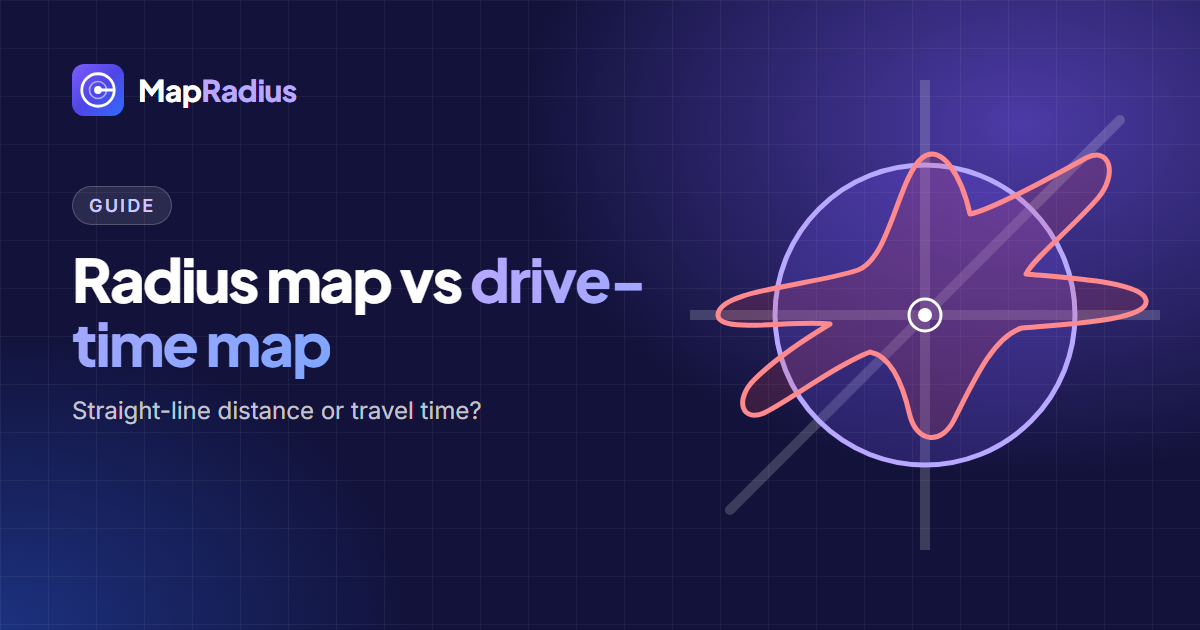
- Check road reach. A radius measures straight-line distance. Read radius map vs drive-time map when travel time matters more.
Open the Map Radius Tool to try it on your own address.